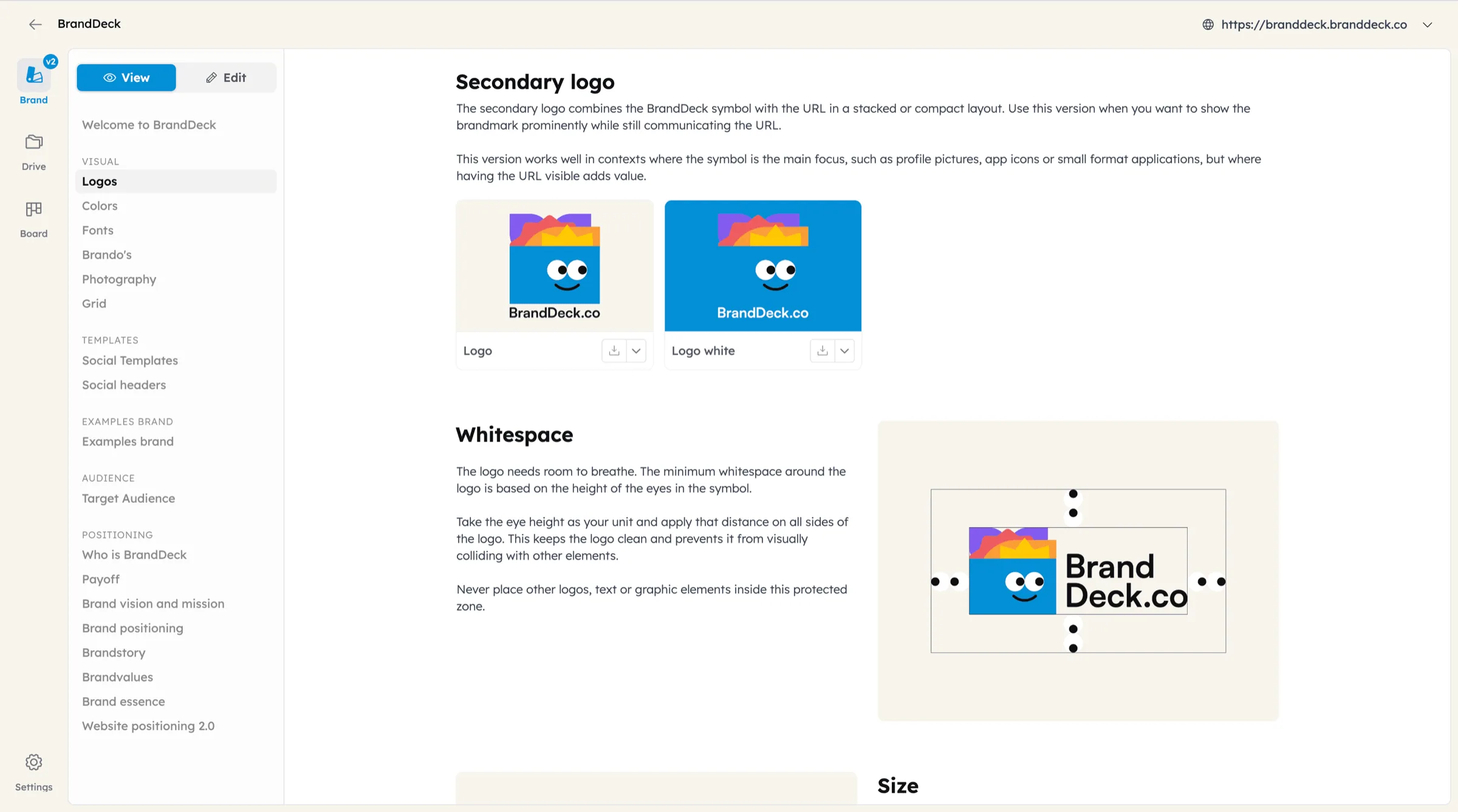
Your brand, right inside Figma.
The BrandDeck plugin pulls your brand guide straight into Figma. Colors become paint styles and variables, fonts become text styles and logos land on your canvas. Always in sync with BrandDeck.


Get started in three steps.
You need a live BrandDeck brand guide with a public link, and Figma Design (the plugin does not run in FigJam or Slides). The plugin is free.
- 1
Install the plugin
Open the BrandDeck plugin on Figma Community and click Open in… or Save. In a design file you then find it in the Actions menu under Plugins.
- 2
Add your brand
Click Add brand and paste the link to your live brand guide, for example
https://guide.branddeck.co/your-brandor your own domain. Click Connect. The plugin remembers your brands, so you only do this once. - 3
Import
Choose the brand, tick Colors, Fonts and/or Logos and click Import. The styles appear under local styles in the file you have open.
What lands in Figma.
Colors
Every color becomes a paint style, grouped as Brand / color group / color name. The HEX value, CMYK, Pantone and RAL from your guide are in the style description. Colors are also added as variables in a collection named after the brand, such as “Acme Colors”.
Fonts
Every font in your guide becomes a text style with the right family and weight. Google Fonts work straight away. Custom fonts must be installed on your computer first; fonts Figma cannot find are skipped and you get a message.
Logos
Your logos are placed on the canvas, named after the logo. SVG logos come in as editable vectors, other formats as images.
Stays in sync with your brand.
Re-import any time
Changed a color or font in BrandDeck? Import again. Existing styles and variables are updated, not duplicated, so everything that uses them follows.
Organised per brand
Styles are grouped under the brand name, so several brands can live side by side in one file or library.
Clean removal
Remove a brand from the plugin and its styles and color variables are removed from the file too. Logos you placed stay on the canvas.
Read only
The plugin only reads your public brand guide. It never changes anything in BrandDeck and needs no account or API key in Figma.
Frequently asked questions.
Any brand guide that is live and has a public link. Guides behind a password or available by invitation only cannot be read by the plugin yet.
Figma can only use fonts it can find. Google Fonts are always available. For a custom font, install it on your computer (with the Figma desktop app or the Figma font installer), then import the fonts again.
No. The plugin works on every Figma plan. Paint styles and text styles are local to the file; to share them with your team, publish the file as a library (on Figma plans that support libraries).
No. It only reads the public guide. To build or change your brand guide from your tools, use the AI connector or BrandDeck itself.
Yes. The plugin is free. You need a BrandDeck brand guide that is live; see prices.
Need help?
Questions about the plugin, or a brand that does not import well? We are happy to help.
Bring your brand into every design.
Build as many brands as you like, for free. Take one live whenever it’s ready for your client. No credit card, no sales call.