
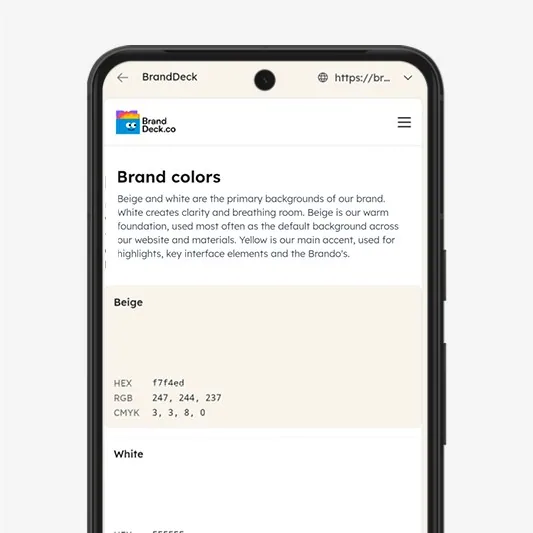
Always the right version
One link to the current brand guide. When you update something, everyone sees the new version straight away.
Your client gets one link to their brand. You decide which pages and files they see, and who can change what.
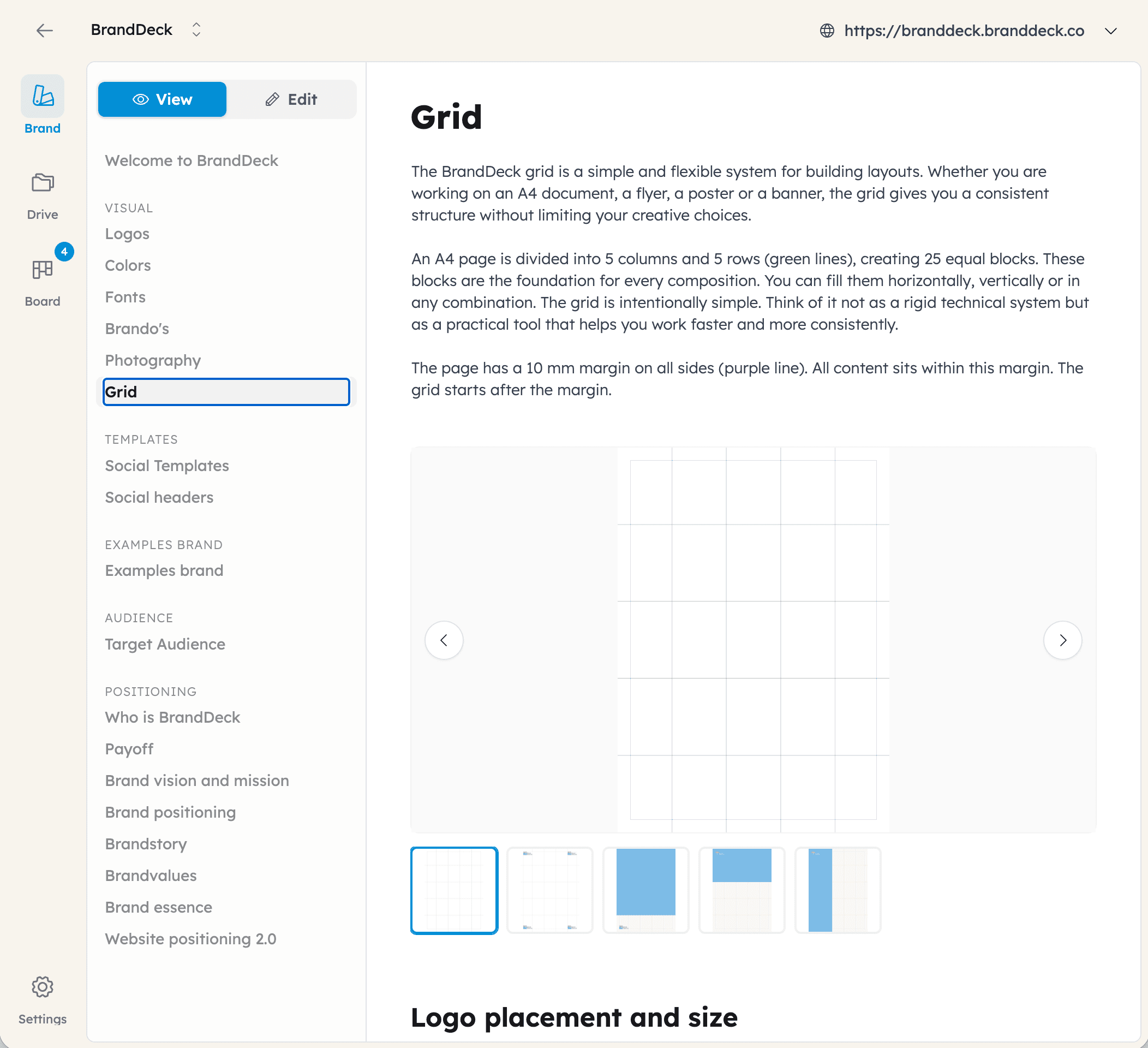
Hide a page with one click on the eye icon next to it. Share a single file or a whole folder from Assets. Turn on Todo if you want to handle requests together. Your client only sees what you choose to show.
Every page in the brand guide has an eye icon. Pages you hide stay out of view for everyone using the public link. In Assets you share a single file or a whole folder.
Make it public, so everyone with the link can see it. Or share it behind a login, so only people who are signed in can see it.
Give your client, their team and their suppliers each the access they need: a link, viewer, editor or admin.
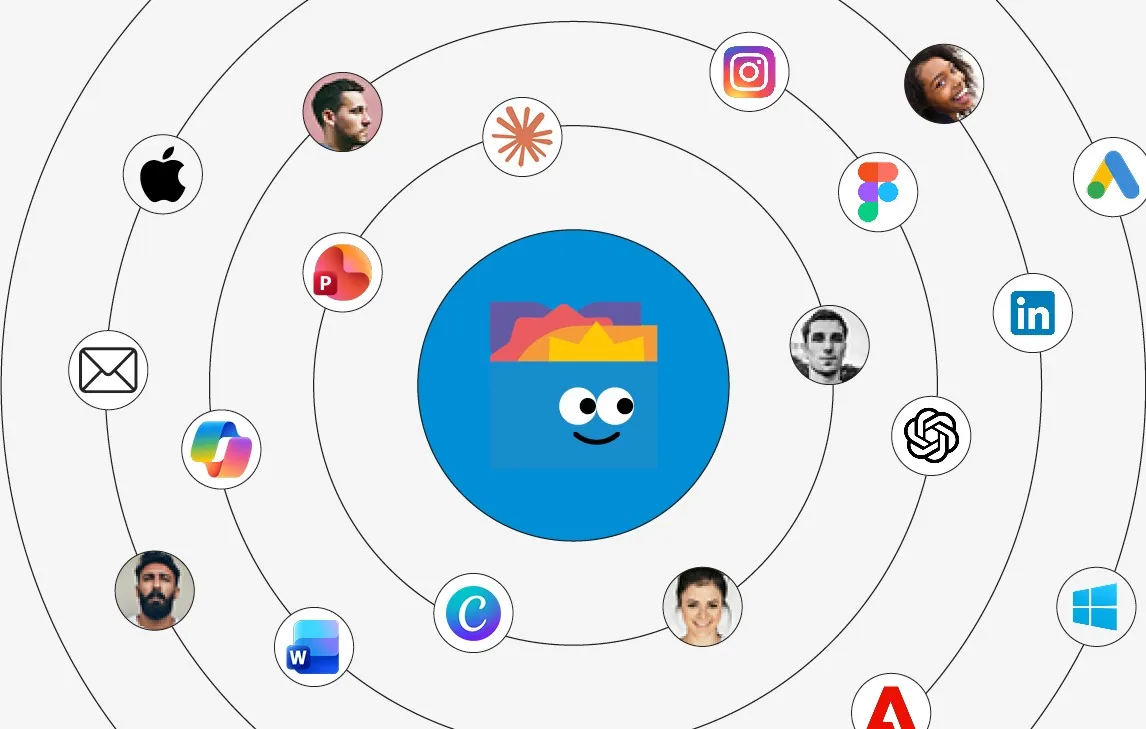
Every user can connect BrandDeck to their own AI tool, like Mistral, Claude, ChatGPT or Gemini.
Available on any browser and Windows & Mac


So your printer can download the logo, while your client’s marketing team keeps the brand up to date.
Link
A general link you can share with anyone. Everyone with the link sees what you have shared publicly.
Viewer
Invited by email. Can see and download everything they have access to.
Editor
Invited by email. Can also make changes and invite people. Usually the people who work with the brand inside the company.
Admin
Two per brand: one for the agency and one for the client. Can do everything an editor can, and manages the BrandDeck account and its costs.
A brand that works without calling you every week.
One link to the current brand guide. When you update something, everyone sees the new version straight away.
Logos, images, fonts and documents next to the guidelines, so nobody has to ask for them again.
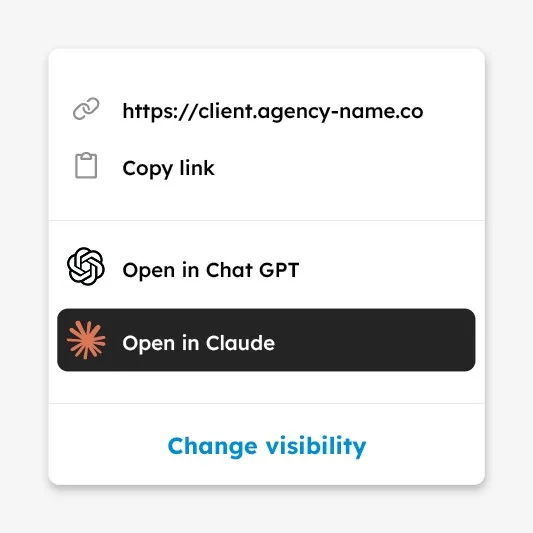
Your client connects BrandDeck to Mistral, Claude, ChatGPT or Gemini, so their AI works with the real brand.
Clear rules and real examples. Your client keeps the brand right, and you stay the agency behind it.
Browse brand guides that studios built in BrandDeck and shared in the Community.
Or build your first brand for free.