Everything to build, share and look after a brand.

Three core modules, the brand guide, digital asset management and Todo, and everything around them to share the brand and let it work in the tools your client already uses.

Everything at a glance.

Three core modules, and everything that makes them work for you and your clients.

The three core modules

And everything around them

Core module 1

Build the brand guide.

Everything that makes the brand what it is, in one interactive guide: logo, colours, fonts, tone of voice and the rules. Not a PDF that gets lost, but a guide your client opens, searches and downloads from every day.

  • Start from a template, or let AI fill it from the old brand book
  • Colour codes, fonts and logos ready to copy and download
  • Available in several languages
  • Always the latest version, for everyone
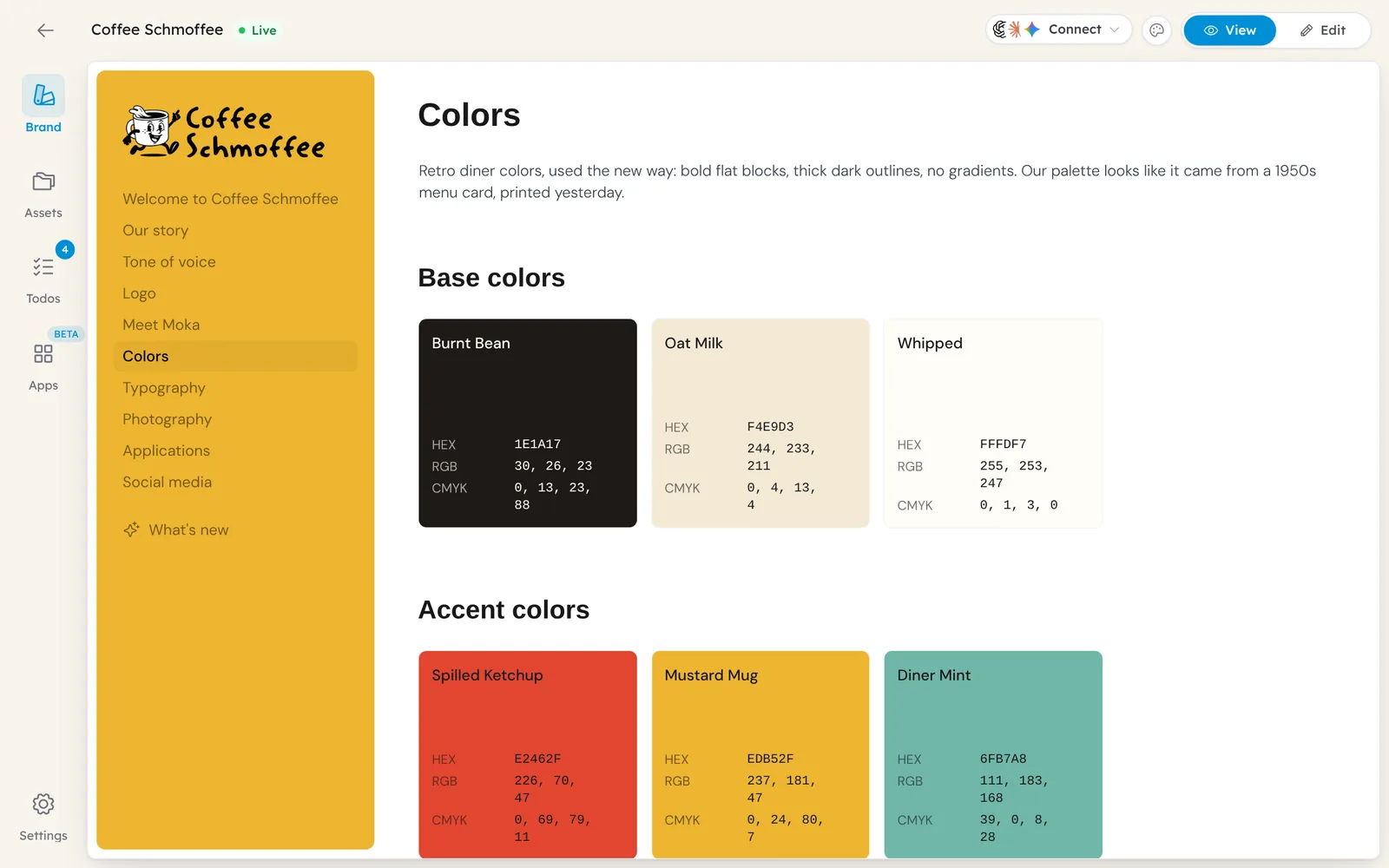
The colours page of the Coffee Schmoffee brand guide in BrandDeck

Core module 2

Every brand file in one place.

Logos, photos, templates and documents, organised and always findable. Search by name, tag, colour or even what is in the picture. No more “can you send the logo again?”, no more old versions turning up.

  • Folders, tags and search by colour or content
  • The right format for screen or print, in one click
  • Share a single folder or file with a link
  • Storage under fair use, for every brand
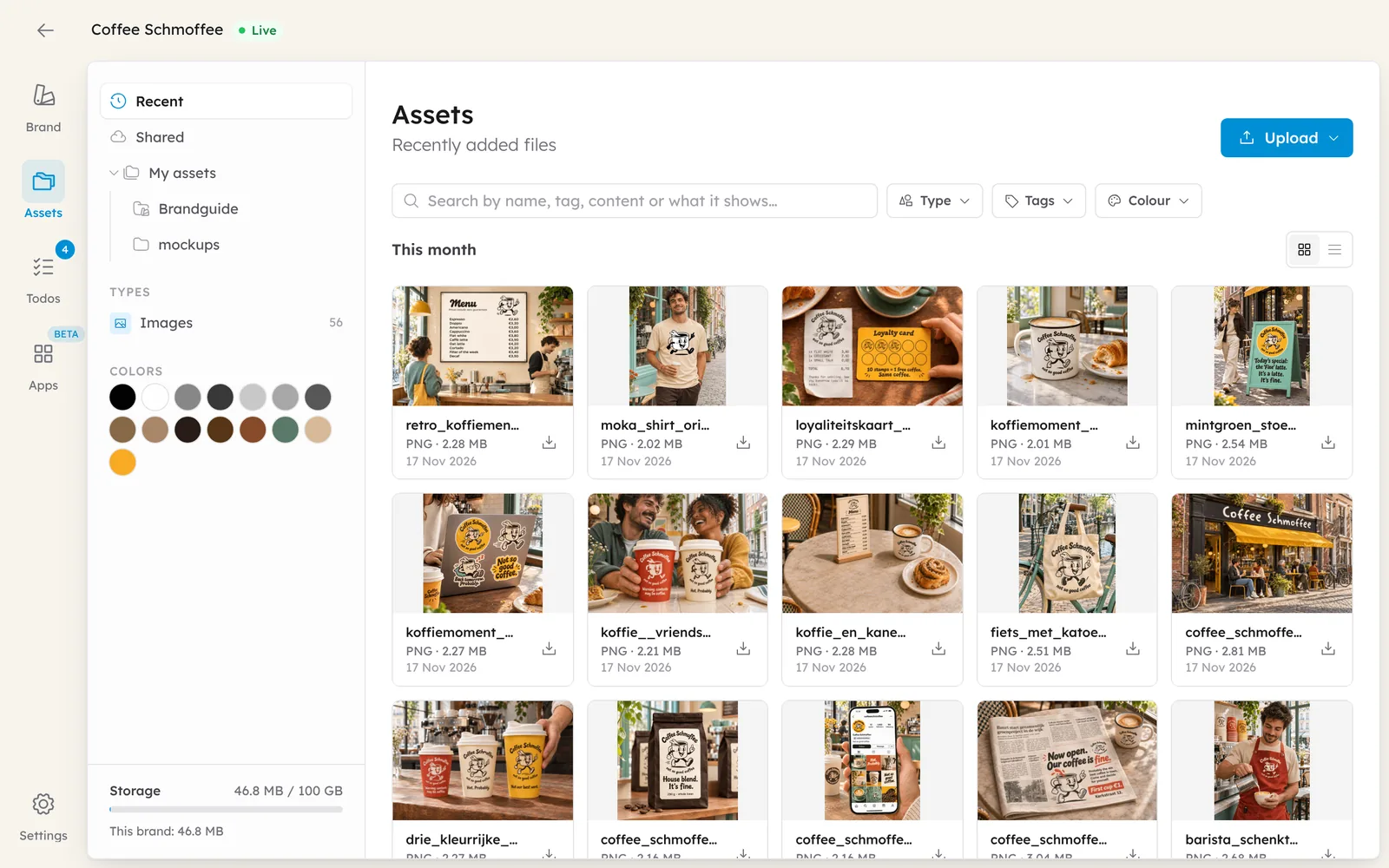
The assets of the Coffee Schmoffee brand in BrandDeck: photos of menus, cups and shop windows

Core module 3

Work together in Todo.

Requests, feedback and approvals with your client, on a board next to the brand they are about. No more email threads nobody can find three weeks later: everyone sees what is on the list, what is in review and what is done.

  • Columns from to do to done
  • Comments and approvals on every item
  • Assign team members and due dates
  • Switch it on or off per brand
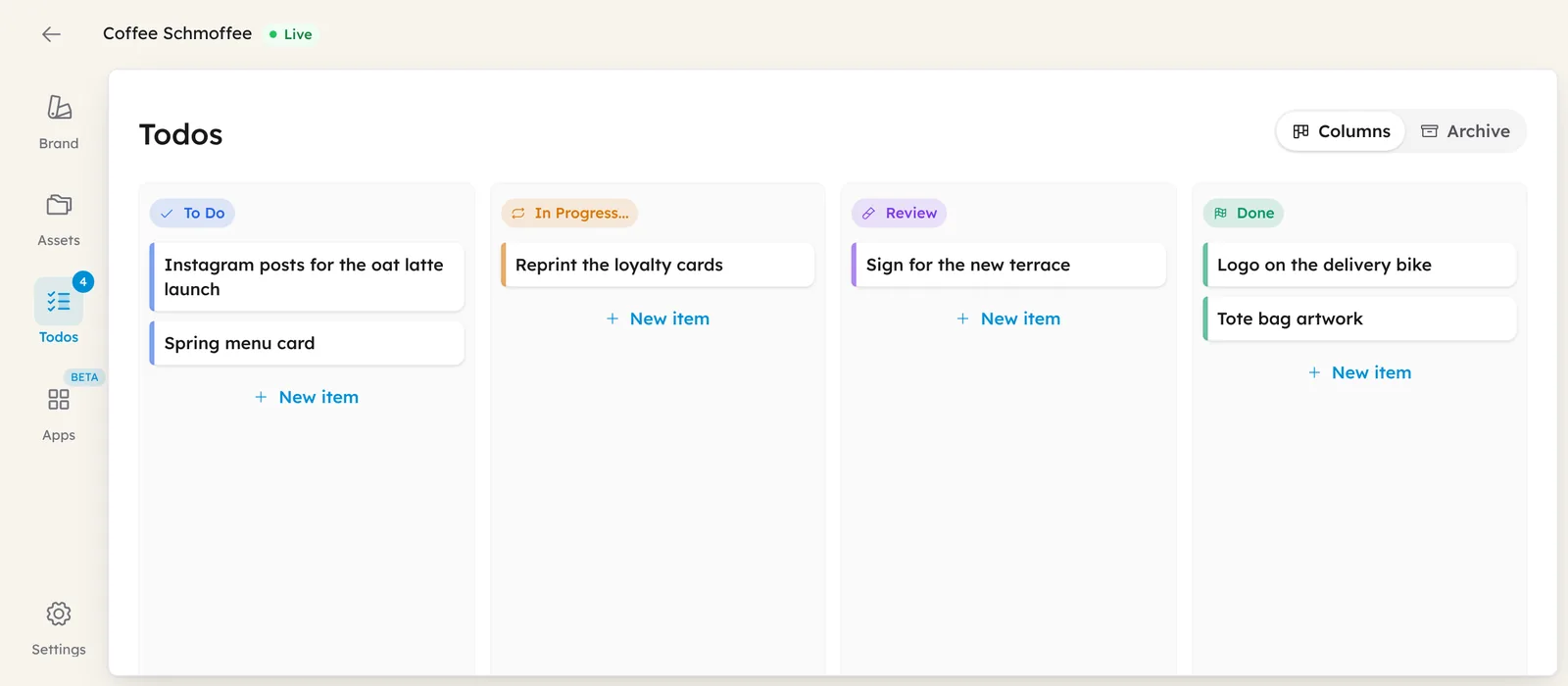
The Todo board of Coffee Schmoffee with items in the columns to do, in progress, review and done

Share

Share it, under your own name.

One link for your client, their team and the printer. You decide who sees the brand: everyone, anyone with the link, or members only. With your own domain and logo, your clients see your agency, not ours.

  • Public, with a secret link or members only
  • Admins and editors, a workspace per client or team
  • Your own domain and logo with white label
  • Draft brands stay private until you go live
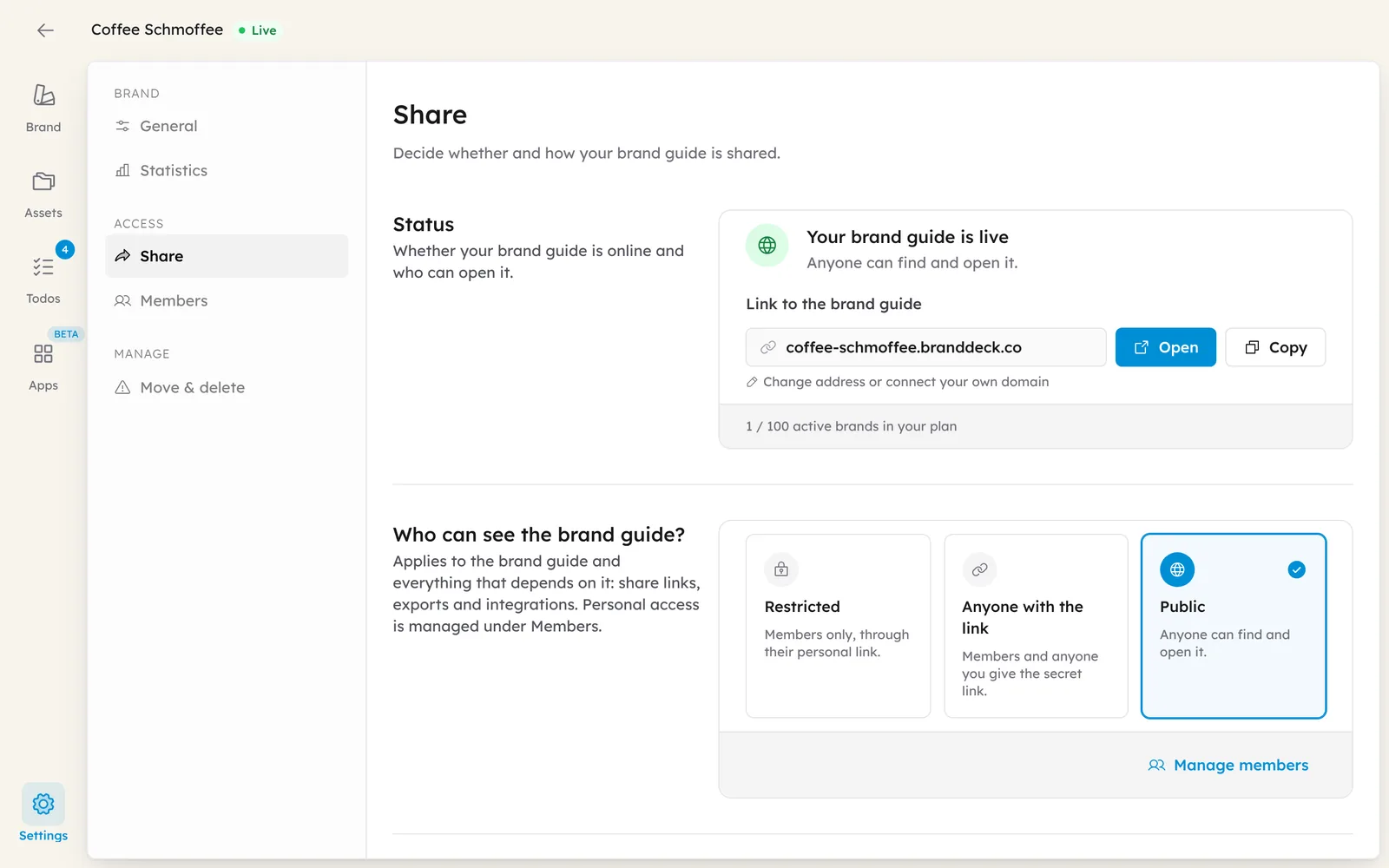
The share settings of a brand in BrandDeck: status live, the link and who can see the brand guide

AI and integrations

The brand, where the work happens.

Connect BrandDeck to Claude, ChatGPT or Mistral, and the AI works with the real brand: the right colours, the right tone of voice, always the latest version. Designers pull colours, fonts and logos straight into Figma.

  • Official connector in Claude, also for ChatGPT and Mistral
  • Your AI reads the brand guide and can help you fill it
  • Figma plugin for colours, fonts and logos
  • Read only or read and edit: you decide

Apps

Apps that know the brand.

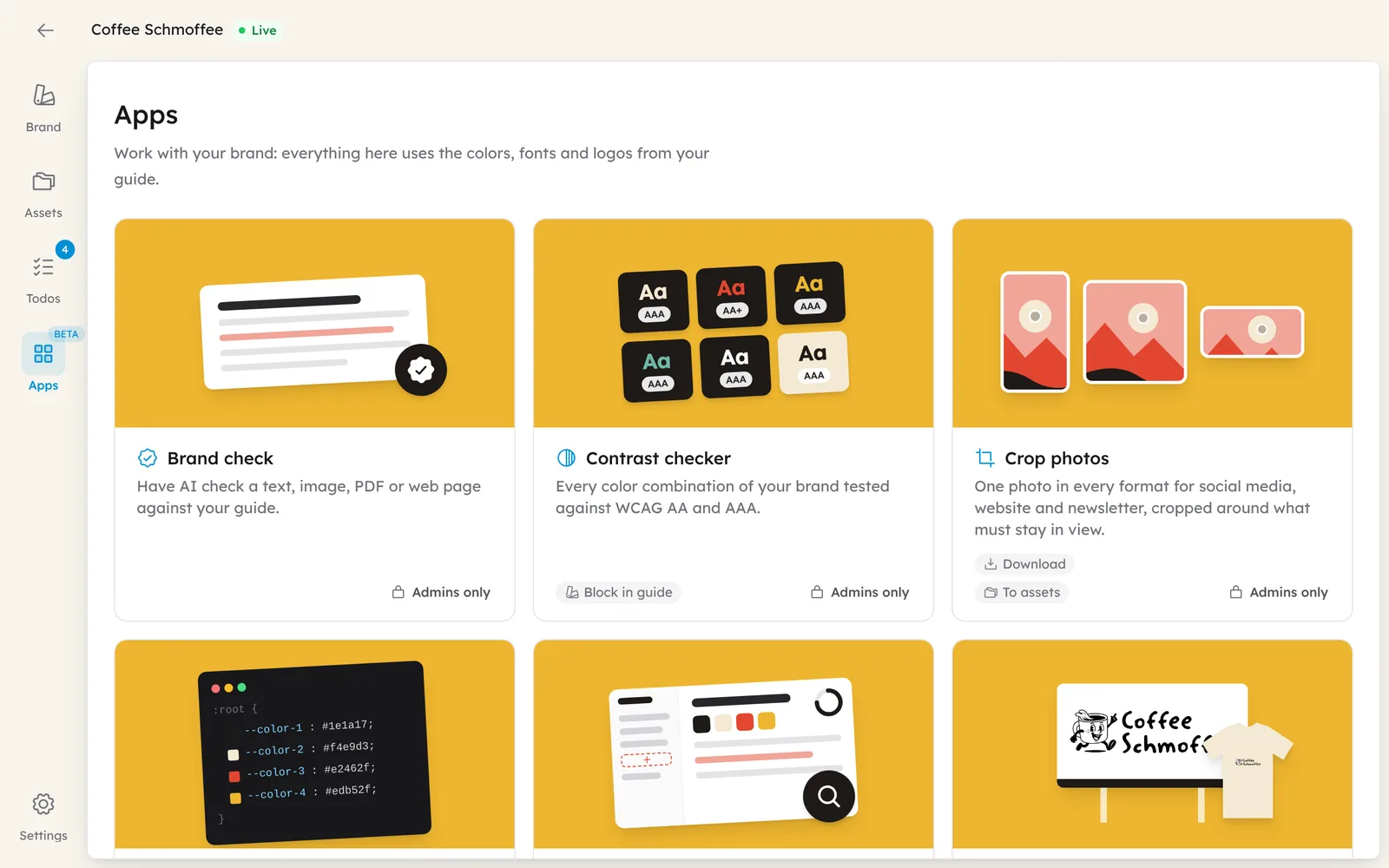
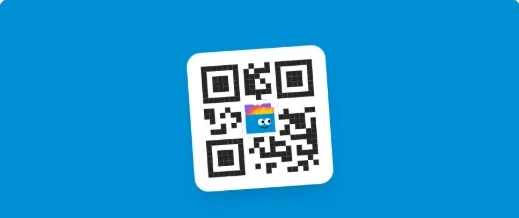
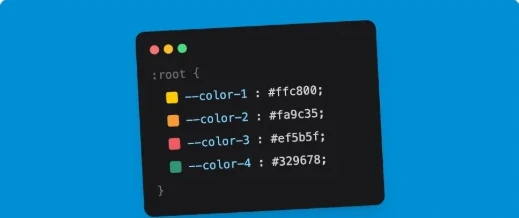
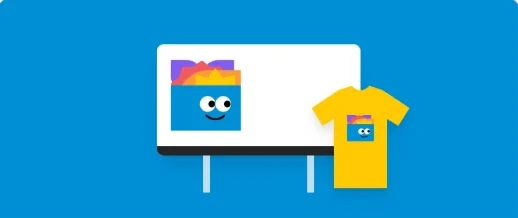
Handy tools right inside the brand, that already know its colours, fonts and logos. Check contrast for accessibility, make a QR code in the brand colours, put the logo on a mockup, or make an email signature and business card.

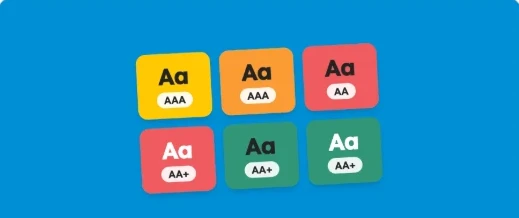
  • Accessibility check of the brand colours
  • QR codes, mockups and image sizes
  • Email signature, business card and name badge
  • Design tokens for developers
The apps of the Coffee Schmoffee brand in BrandDeck

Safe and in Europe.

Security
  • Made in Europe

    Built in the Netherlands, hosted in Germany.

  • GDPR compliant

    A standard data processing agreement, ready to sign.

  • Your data stays yours

    Encrypted, with daily backups.

Frequently asked questions.

The brand guide (logo, colours, fonts, tone of voice and rules), digital asset management (every brand file in one place) and Todo (working together with your client). You can switch Todo on or off per brand.

No. Your client opens the brand guide with a link and downloads what they need. If you want them to edit too, you invite them.

Yes. With white label your brand guides run on your own domain with your own logo. See white label.

BrandDeck is an official connector in Claude, and also works with ChatGPT, Mistral and other tools that support MCP. See BrandDeck and AI.

The free tools on our website work for anyone. The apps in BrandDeck already know your brand: its colours, fonts and logos are filled in for you.

Building brands is free. You pay when a brand goes live. See prices.

Build as many brands as you like, for free.

Go live whenever a brand is ready for your client. No credit card, no sales call.