Crop image
Crop an image to exactly the size you need.
Free, no accountDrag the frame to choose what stays. Drag a corner to make it bigger or smaller. With the arrow keys you can move it too.
Your crop is smaller than this size, so the image gets stretched and may look blurry. Make the frame bigger or pick a smaller size.
Your image stays on your device. JPG has no transparency; transparent parts become white.
Drop in an image, choose a size, drag the frame to what you want to keep and download it as JPG, PNG or WebP.
More free tools.
Free, no account needed. Built for the people who work with brands every day.
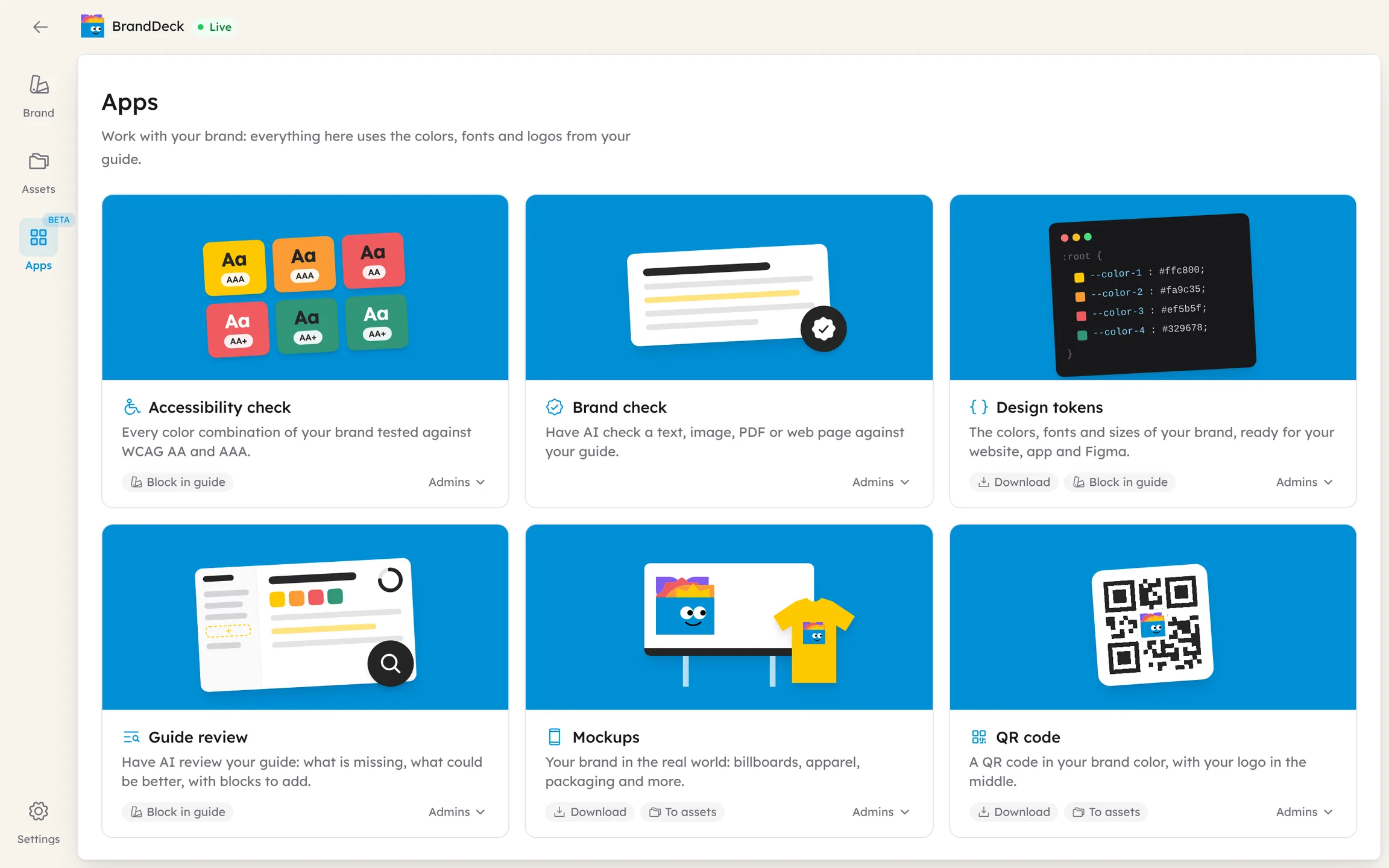
More tools, right inside your brand.
BrandDeck has tools of its own, built around your brand: an accessibility check of every colour pair, a brand check with AI, mockups, design tokens and QR codes in your brand colours. Use them while you work on a brand, all in one place. Free to start, no credit card.